✓RESEARCH BRIEF
Productivity
LightPDF review: one cross-platform workspace for everyday PDF tasks
An all-in-one PDF workspace for editing, conversion, annotation, signing, organisation, and AI-assisted document chat and summarisation.
iThis page contains an affiliate link. VerdictLab may earn a commission after a qualifying action, at no added cost to you. A commercial relationship never guarantees a positive verdict.
VerdictLab’s current view
LightPDF
LightPDF brings common document tasks and newer AI reading tools into one account across web, mobile, and desktop. Official materials list PDF editing, conversion, annotation, signing, organisation, chat, and summarisation. That breadth is convenient for people who move between devices, but accuracy and formatting should be checked after OCR, conversion, or AI summaries. VerdictLab has source-checked the current feature set; speed, layout fidelity, privacy controls, and plan limits still require hands-on testing.
01
What we verified
These points are supported by the provider’s current official product or help pages.
Official tools cover PDF editing, conversion, annotation, signing, and organisation.
AI features include document chat and summarisation.
LightPDF offers web, mobile, and desktop access under one account.
02
What stands out
- +Edit, convert, annotate, and sign PDFs
- +AI document chat and summaries
- +Web, mobile, and desktop access
03
What to consider before choosing
- !Review privacy and retention settings before uploading confidential documents.
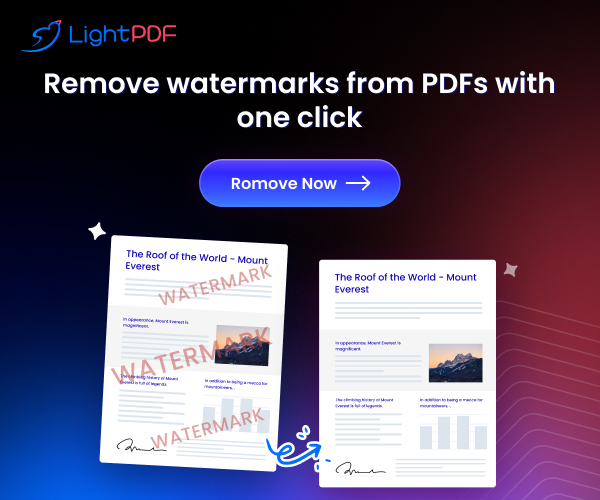
- !Only remove watermarks or restrictions from documents you own or are authorised to edit.
04
What we will test next
These practical checks must be completed before VerdictLab assigns a final score or makes a stronger comparative claim.
Why there is no score yet →- 01Layout fidelity after PDF conversion
- 02OCR and summary accuracy
- 03Upload, processing, and deletion controls
Official sources
Information checked
Product information was checked against the pages below. Features and plans can change, so confirm current terms before purchasing.
No copied merchant review, no invented test result, and no paid placement influenced this research brief.
LightPDF